

The team at Bar.stream is always integrating with more vendors using various way to process your data. Do you work with somebody that's not on our list? The following steps guide you to submitting your request to our team.
Submission Form: +Add New Vendor
Begin Process
Navigate to the Integrations tab
Select + Add Integrations
Select Invoice
Scroll to the end of the list to select Add New Data Source
Select Next ➜
Select Yes or No.
Let us know if the Vendor is emailing you invoices from their software.
Scanned invoices and pictures saved as PDFs do not provide adequate details for 100% accurate data processing.
Vendor Site
Provide the URL of the Vendor's website.
Some Vendors make their electronic invoices available online through a customer portal. If you want our team to train a bot to collect and process those invoices for you automatically, you can securely submit your credentials at this time.
Number of Locations
Bar.stream's development decisions are driven by a handful of metrics, most of which focus on the impacts of our present and future users.
Upload Invoice PDF
A minimum of 1 invoice must be submitted to initiate the development process. Up to 10 invoices may be uploaded.
The more invoices submitted the better, especially when those invoices include scenarios like breakage, discounts, and substitutions.
A member of our team will contact you via email if any additional details are needed.
Submit Ideas via our Roadmap
Go to our Feedback page
Navigate to https://feedback.bar.stream
If you are presented with a login screen, select Log in with Bar.stream
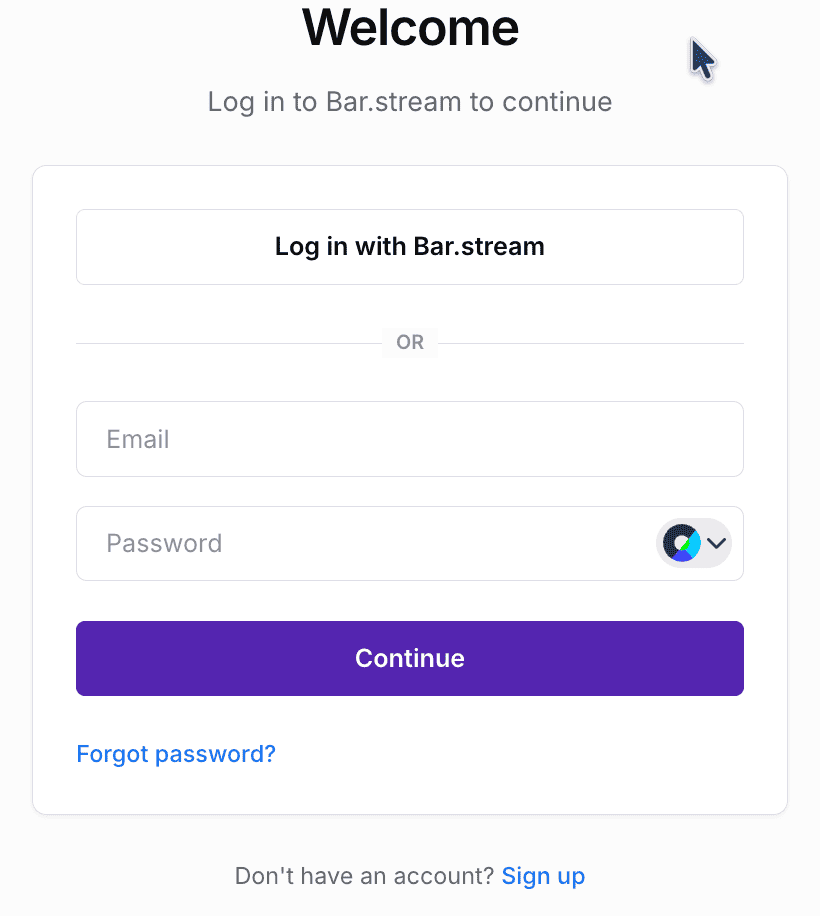
Open Submission Form
While viewing the Ideas tab, click + Submit Idea.
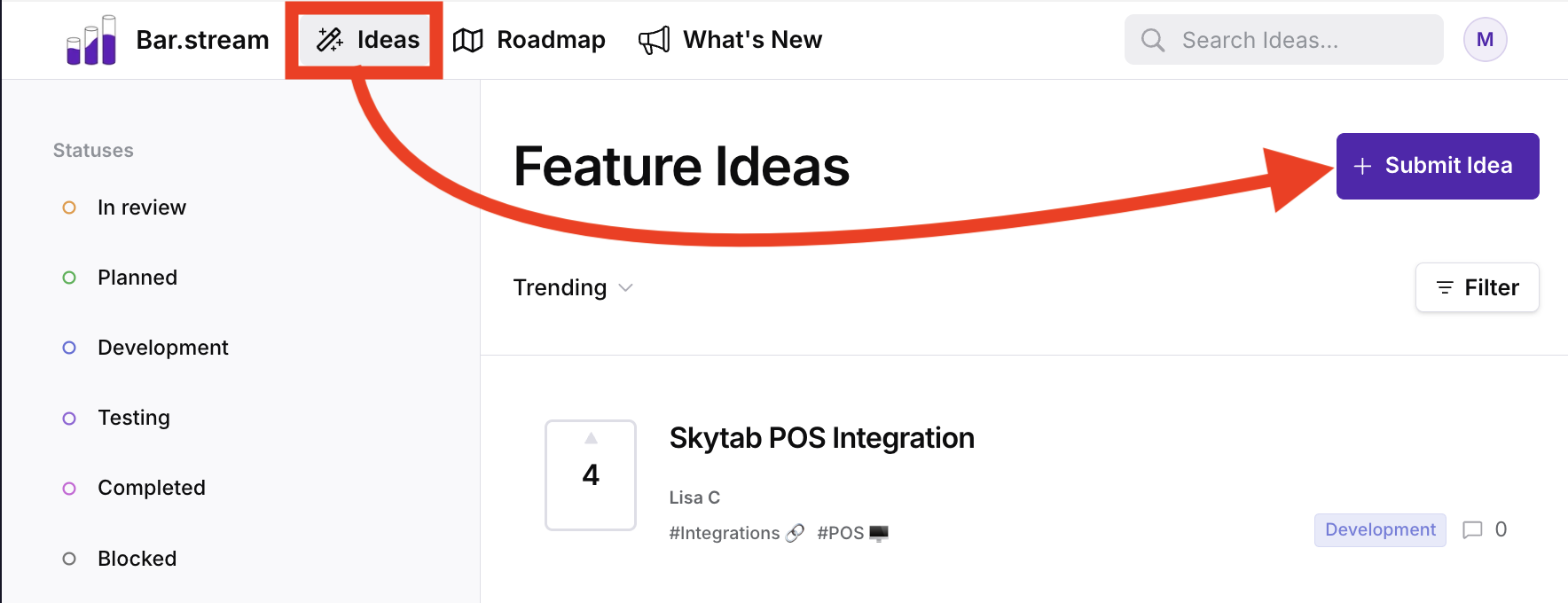
Submit Your Idea
Complete the form trying to provide as much details as possible. We'll use these details in judging placement in our roadmap.
You can categorize your idea submissions by selecting from the list of available topics.
Once received, our team will review and contact you with any additional information.
Submit Requests Via Email
Request a new vendor with the email template HERE.
Only submissions that include sample PDFs as attachments will be considered.